

Your office extension on your iPhone, in an app we built ourselves
ArcSIP puts the same extension as your desk phone in your pocket. Calls to the office reach you anywhere, colleagues can see you're free, and you never give out your cellphone number.
Coming soon to iPhone. ArcSIP is in final testing now, and Android is next.
Not a rebranded softphone
Most phone providers hand you someone else's app with their logo on it. ArcSIP's SIP signalling, media engine, jitter buffer and call-quality monitoring are our own code, written in-house with no third-party SIP or VoIP library underneath.
That's what lets us tune it for real mobile networks, and show you how a call actually sounds while you're on it.
Tuned for the networks your people are actually on
A jitter buffer made for mobile
It adapts as the connection changes, so speech stays smooth on a busy cellular network instead of breaking up.
HD voice
Opus at 48 kHz, with error correction tuned for mobile networks and tested smooth with 8% of packets deliberately dropped. G.722 wideband to desk phones. Short packet losses are concealed rather than cut out.
Calls that connect
Large call-setup messages move to TCP on their own, so calls and transfers don't fail on mobile networks that drop large packets.
Reachable behind home and office routers
ArcSIP handles home and office routers itself, so the phone stays reachable wherever it's connected.
Easy on the battery
Nothing keeps running in the background. The app sleeps, and our push server wakes it when a call comes in.
Rings like a normal call
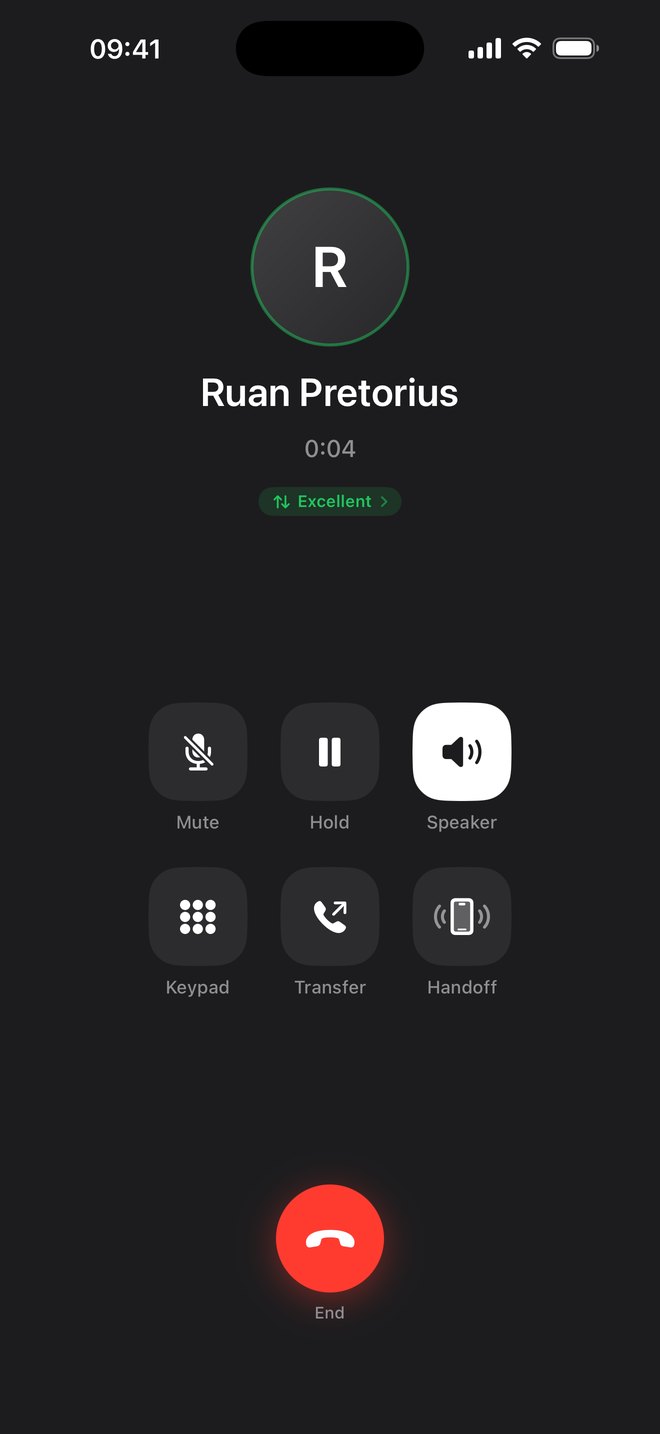
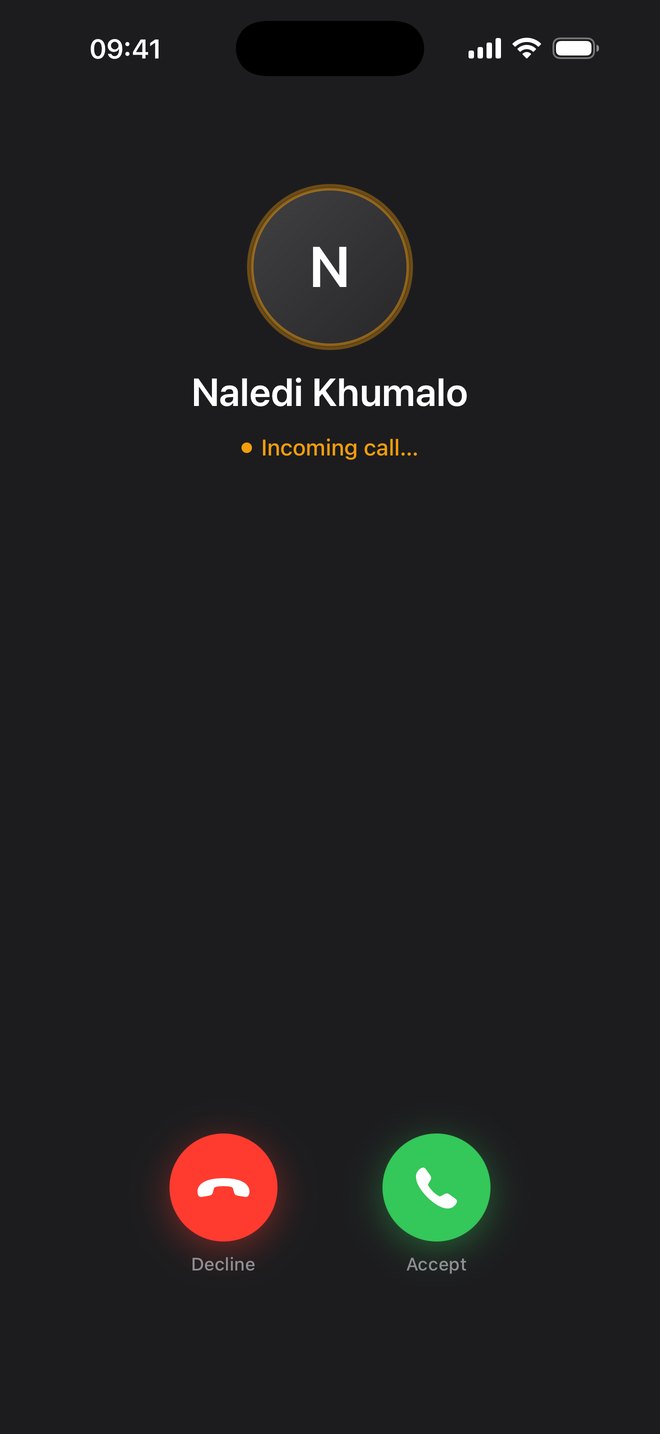
Incoming calls ring on the lock screen like any iPhone call, even when the app is closed, and work with speaker, earpiece and Bluetooth headsets.
See how the call sounds, both ways
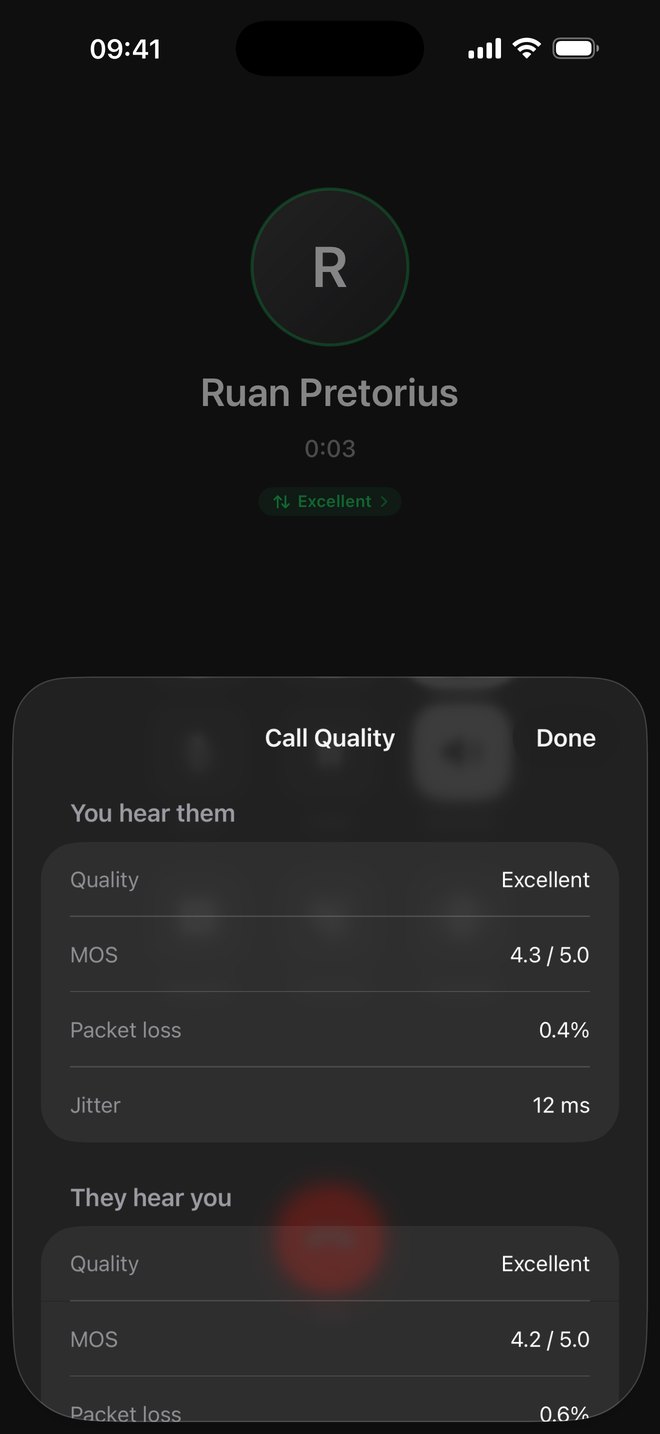
A quality badge sits on every call. Tap it and ArcSIP shows how you're hearing them, and how they're hearing you.
- A score from 1 to 5, worked out on the phone with our own implementation of the ITU-T G.107 E-model
- Packet loss and jitter in both directions, from the other side's own reports
- You know whether it's your connection or theirs before anyone says "you're breaking up"
Our own push server, so the app can sleep
ArcSIP doesn't need to stay running in the background. When a call comes in, our gateway holds it, our push server wakes your phone, and the call is delivered the moment the app is ready.
A call comes in
Someone rings your extension while your phone is asleep in your pocket.
We hold it and wake your phone
Our gateway keeps the call waiting while our push server wakes ArcSIP.
It rings
The call is handed to your phone as soon as it's back online, and rings on the lock screen.
The final wake-up travels over Apple's and Google's push networks, as it does for every mobile app.
Walk in the door and move the call to your desk phone
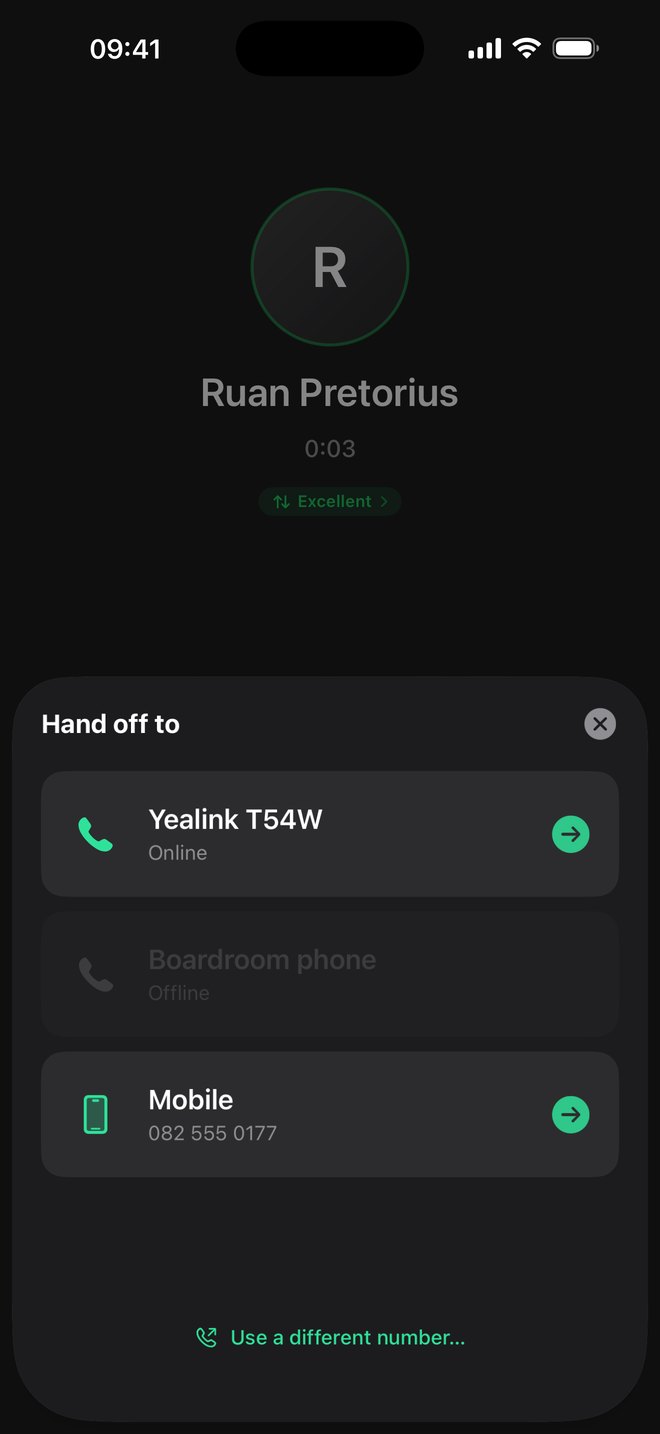
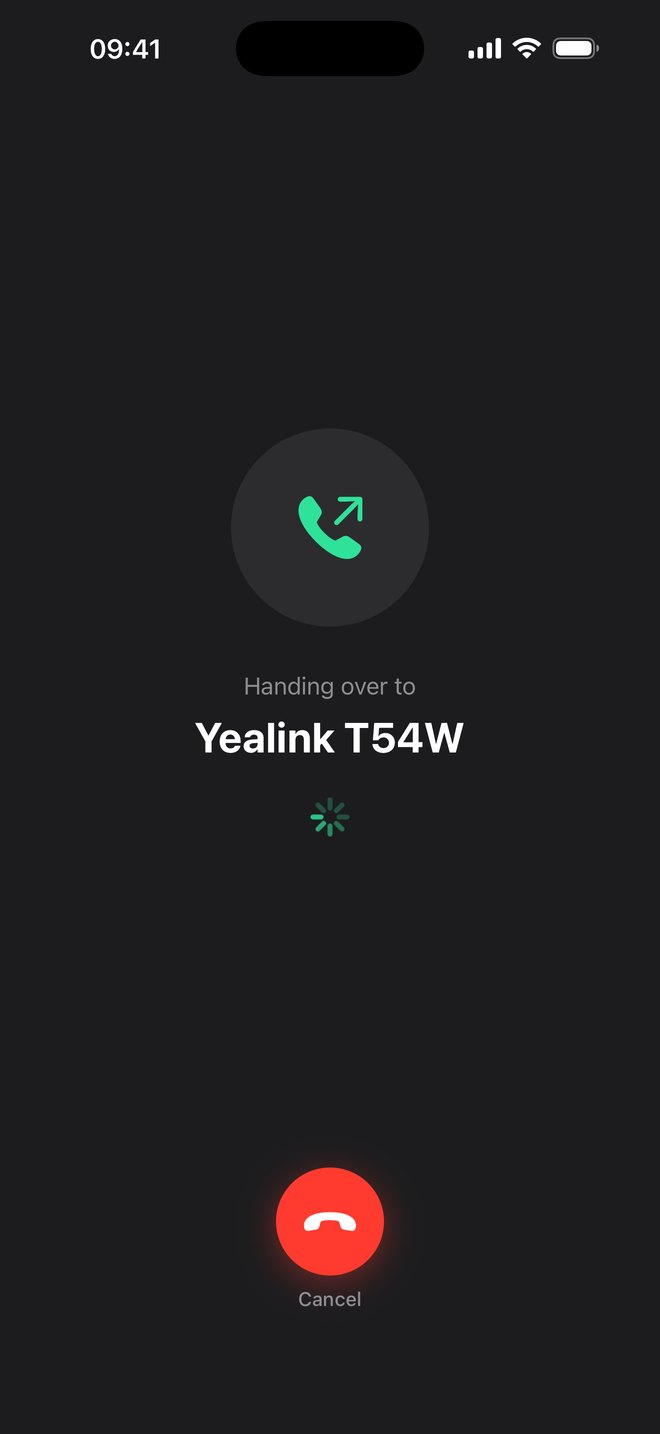
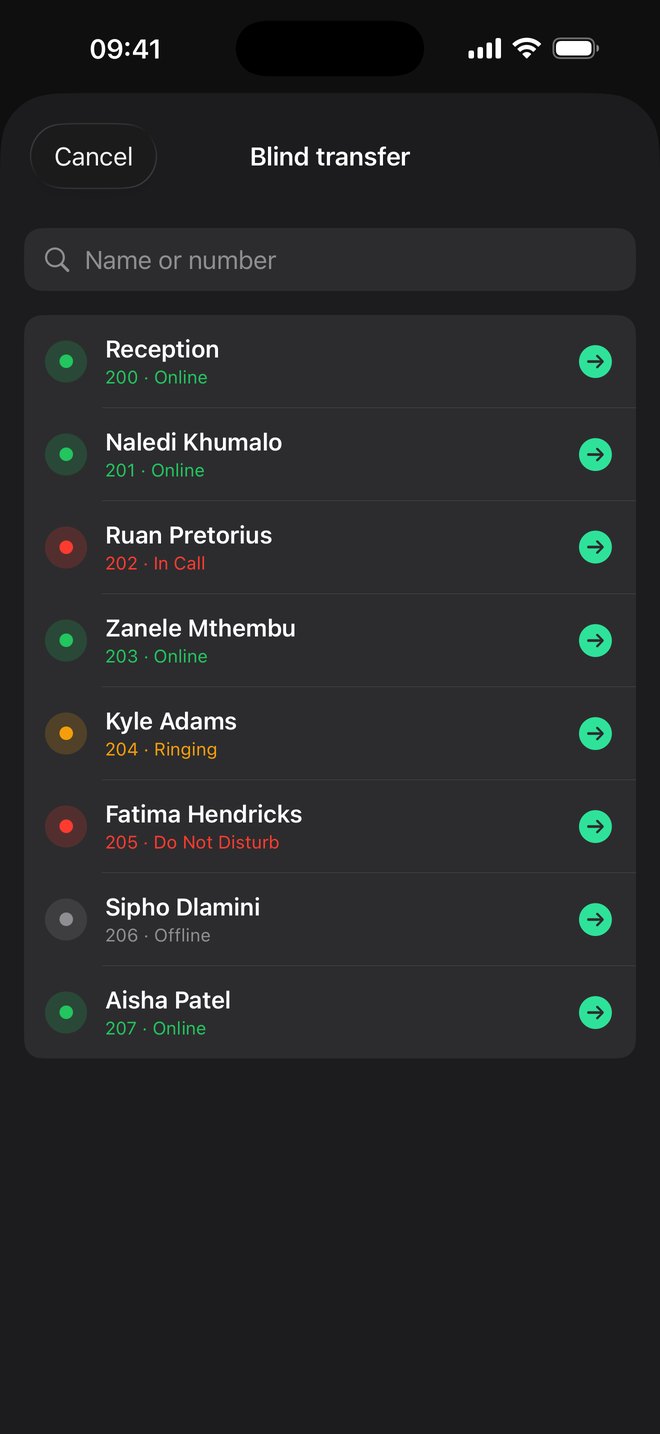
Take a call on the road, then carry on at your desk. Pick your desk phone, the caller waits on hold, and the call moves over when you pick up. Nobody redials.
- Your own phones are listed, with the ones that are online ready to take the call
- If nobody answers, the call stays on your mobile
- Only your own phones can take the call

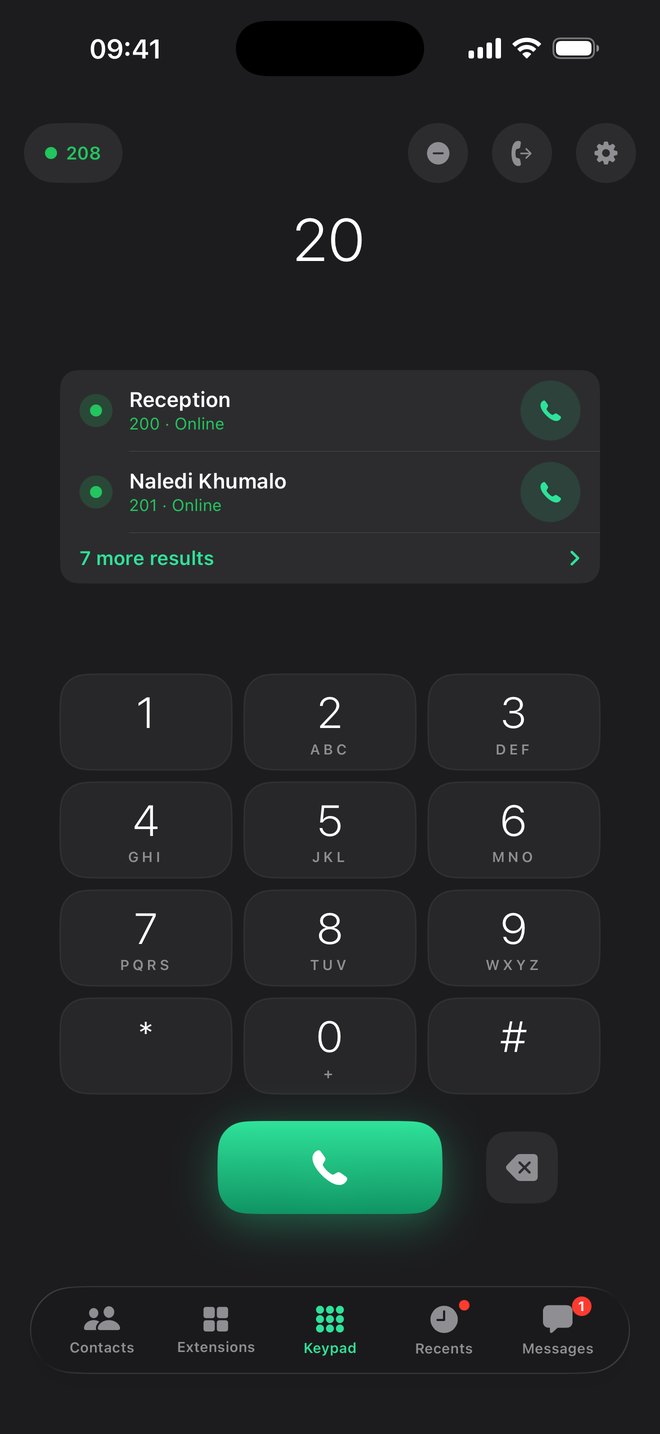
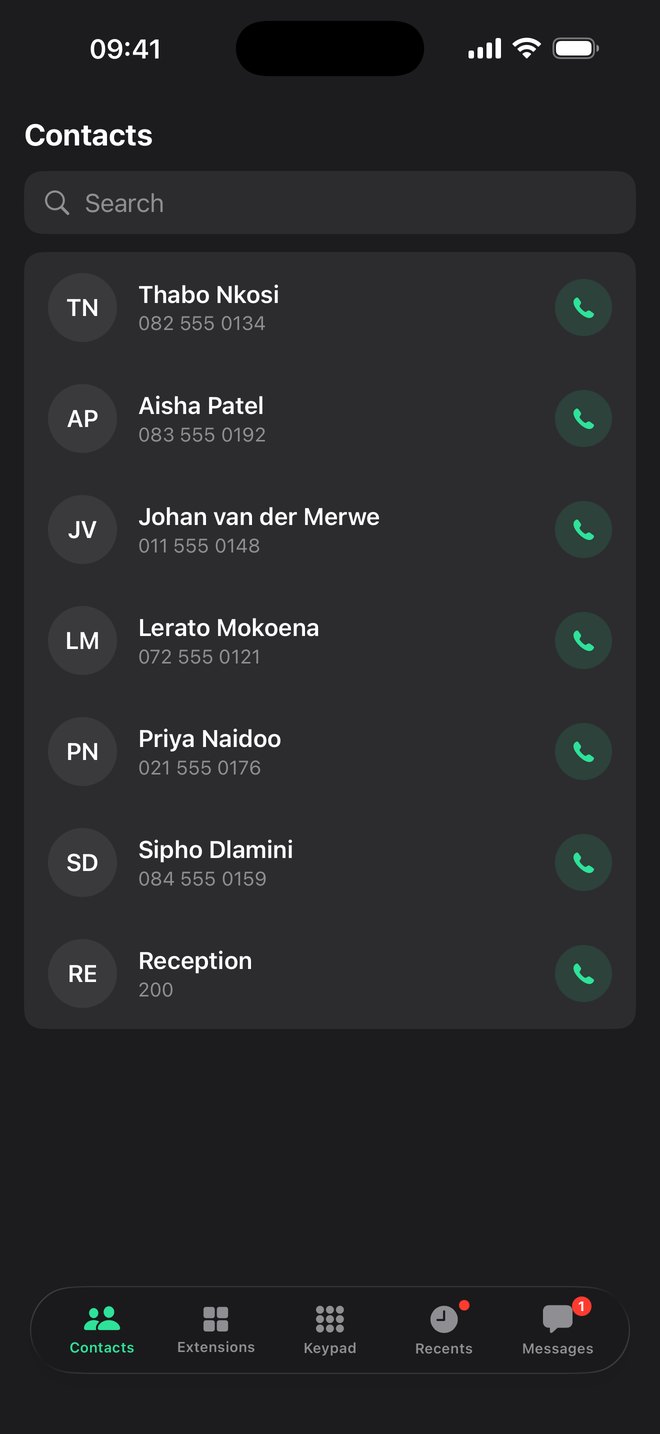
Everything you'd do at your desk
No passwords to type
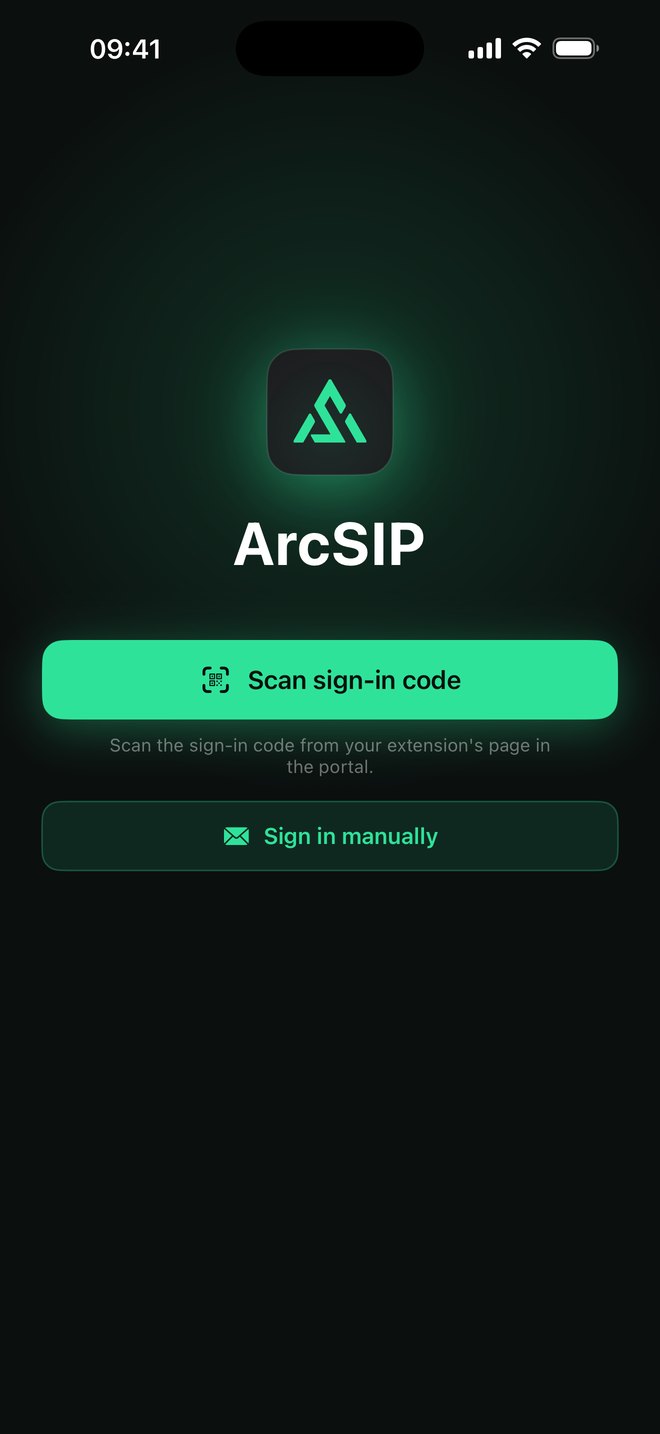
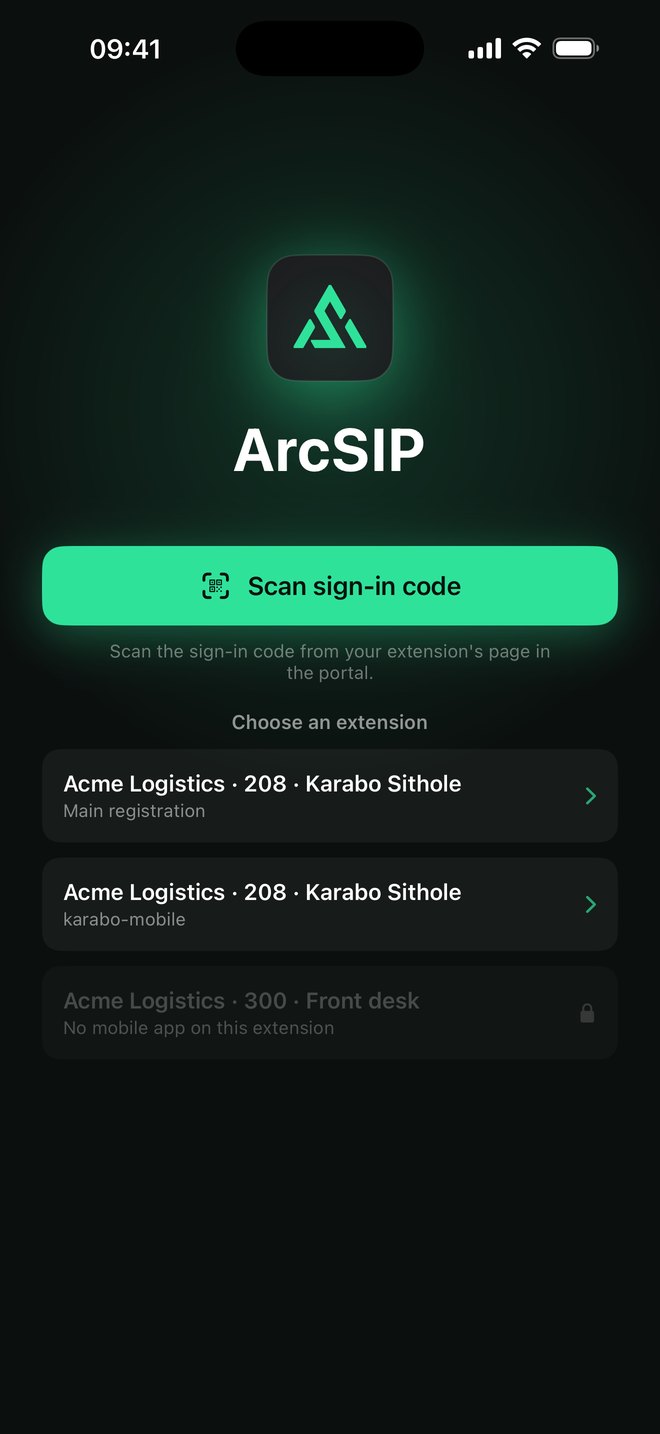
Scan the sign-in code from the portal, or sign in with your ArcNet account and pick your extension.
You decide who gets the app
The portal sets which extensions may use ArcSIP, and shows every phone signed in to each one.
Signed out from the portal
A lost or replaced phone is signed out in one click, and it takes effect straight away.
The whole company, live
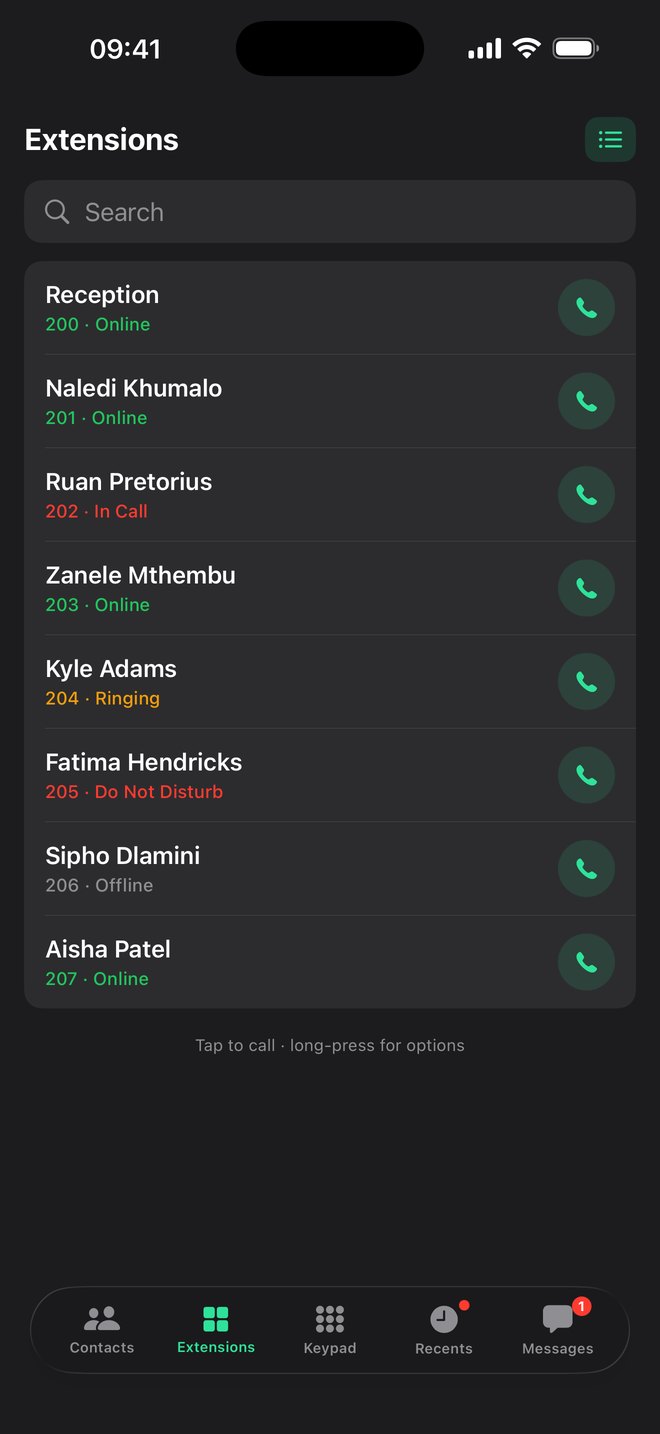
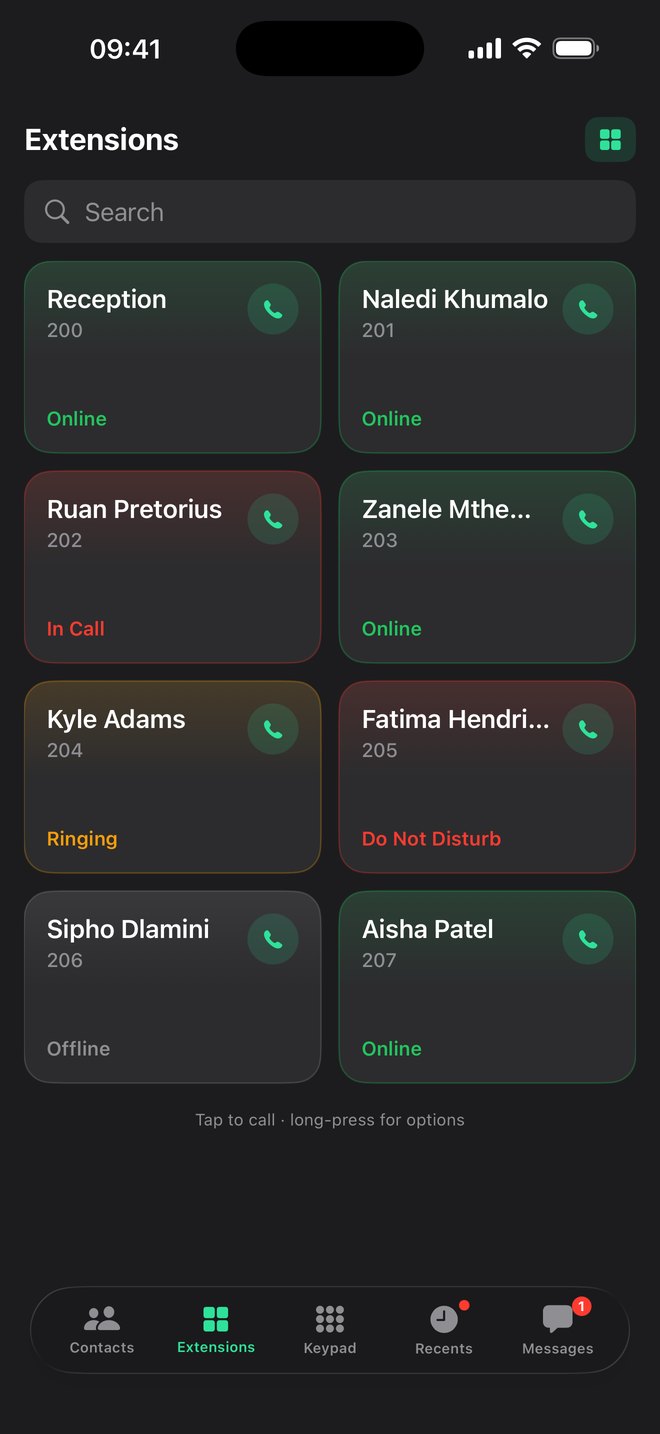
Who's online, in a call, ringing or on Do Not Disturb, across all of each person's phones.
Messages between colleagues
Send a quick message to anyone else on ArcSIP while the app is open.
Your office number, not your own
Calls go out on the company's number, and customers never see your cellphone.
Want ArcSIP for your team?
Tell us how many people work away from their desks, and we'll let you know as soon as ArcSIP is ready for them.