
Your phones and your contact centre, in one portal
ArcNet runs your company's extensions, numbers and call routing, and the contact centre on top of them. Your team answers on a desk phone or in the browser, and soon on our own mobile app. Built in South Africa, billed per second in rands.

Everything a business phone system does, and a contact centre in the same place
Phone system
Extensions, numbers, auto-attendants, hunt groups, business hours, voicemail to email and call recording, all managed from one portal.
Contact centre
Call queues, an agent workspace with wrap-up and outcomes, live wallboards, queue reports and AI scoring of calls against your own scorecard.
Costs and security
Per-second billing, budgets per extension, and fraud protection that holds unusual calling and tells you straight away.
Change your phones yourself, without logging a ticket
Add an extension, change where calls go after hours, record a new greeting or see who is registered. The portal shows what every phone and number is doing.
- Search every extension, number and account from one box
- See which phones are registered and which are not
- Every change recorded in an audit log, with who made it and when
Plug it in. It's ready
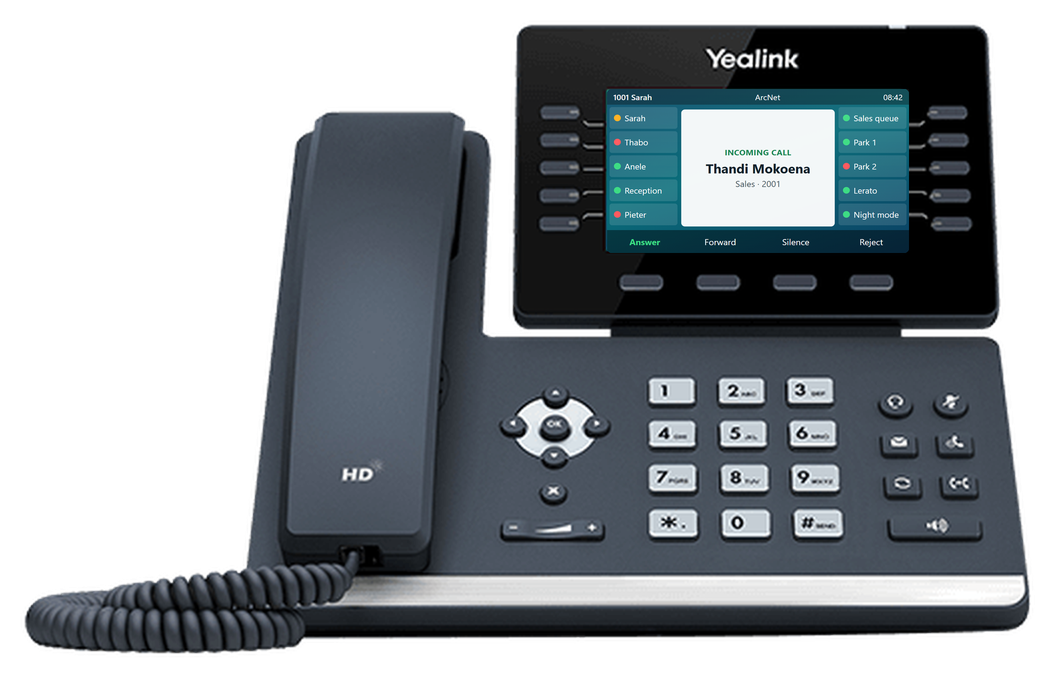
Add the phone's MAC address and a template to an extension, and plug the phone in anywhere. It finds ArcNet by itself and collects its extension, keys and settings, with every key laid out the way you chose in the portal.
- Every Yealink T3x, T4x and T5x model, with templates you build once for hundreds of phones
- Busy lamps for colleagues, queues and parked calls
- Hot desking: log in to any shared phone with a PIN
Made in South Africa, for how businesses here work
ArcNet is designed, built and supported in South Africa, around the things local businesses deal with. Your call recordings are stored in South Africa too.
ArcSIP: your office extension, in your pocket
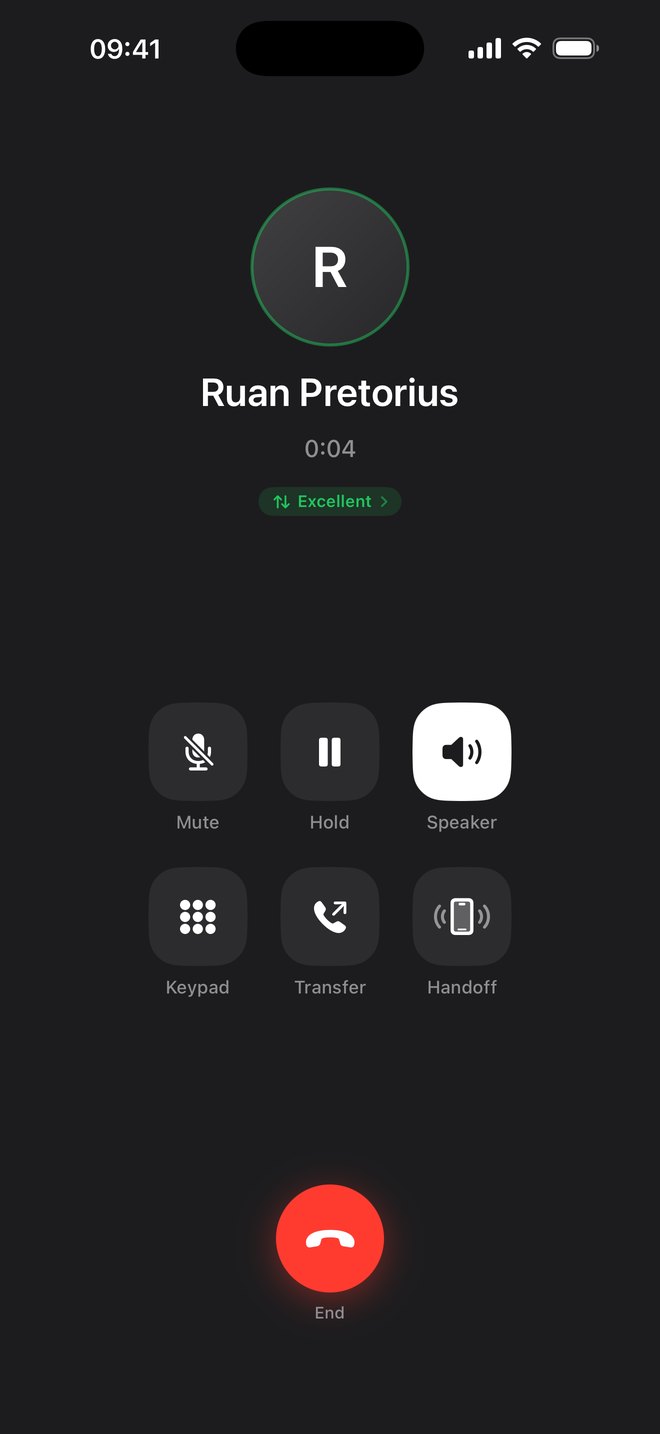
Take calls to your office number anywhere, see who in the company is free, transfer as you would at your desk, and hand a live call to your desk phone when you walk in.
ArcSIP is our own app, built in-house rather than a rebranded softphone, with live call quality in both directions and our own push server behind it. Coming soon to iPhone, then Android.
Meet ArcSIPOne extension, wherever your people are
Desk phones
Yealink phones set up from the portal. Staff who move around log in to any desk phone with hot desking.
In the browser
Answer and make calls from a browser tab, with the caller's details and the contact centre workspace beside them.
Mobile app
ArcSIP, our own app, is coming soon to iPhone. Take a call on the road, then hand it to your desk phone when you walk in, mid-conversation.
Microsoft Teams
Calls to your numbers ring in Teams alongside the desk phone, and calls from Teams go out with your company's caller ID.
Built for the way calls really work
Outbound dialler
Preview and progressive campaigns, answering machine detection, scripts, callbacks and a do-not-call list.
Auto QA
Every call transcribed and scored against your own scorecard, with reports by agent sent to your team.
Fraud protection
Unusual spend, destinations or sign-in locations hold outside calls and alert your admins at once.
Keys on a real handset
Lay out desk phone keys on a true-to-life drawing of the phone, with busy lamps for your colleagues.
Bring your own carrier
Keep a trunk you already have, set up step by step, with every ArcNet feature on top.
Changes apply at once
Save a route or a new number and it's live within seconds, with an audit log of who changed what.
Call flows on one canvas
See every step a call takes from the first ring, and change it in a draft before anyone calls.
Routing from a sentence
Say how calls should go in plain words, and ArcNet's AI builds the call flow for you to check and publish.
Roll back any change
Every routing change is kept as a version. See how calls went before, and put it back.
See ArcNet working
Tell us how your business takes calls today, and we'll show you how it would work on ArcNet.